Introducing Neon Vision Editor - Why I built a Native Text Editor in 2026
Neon
Vision
Editor
a native text editor
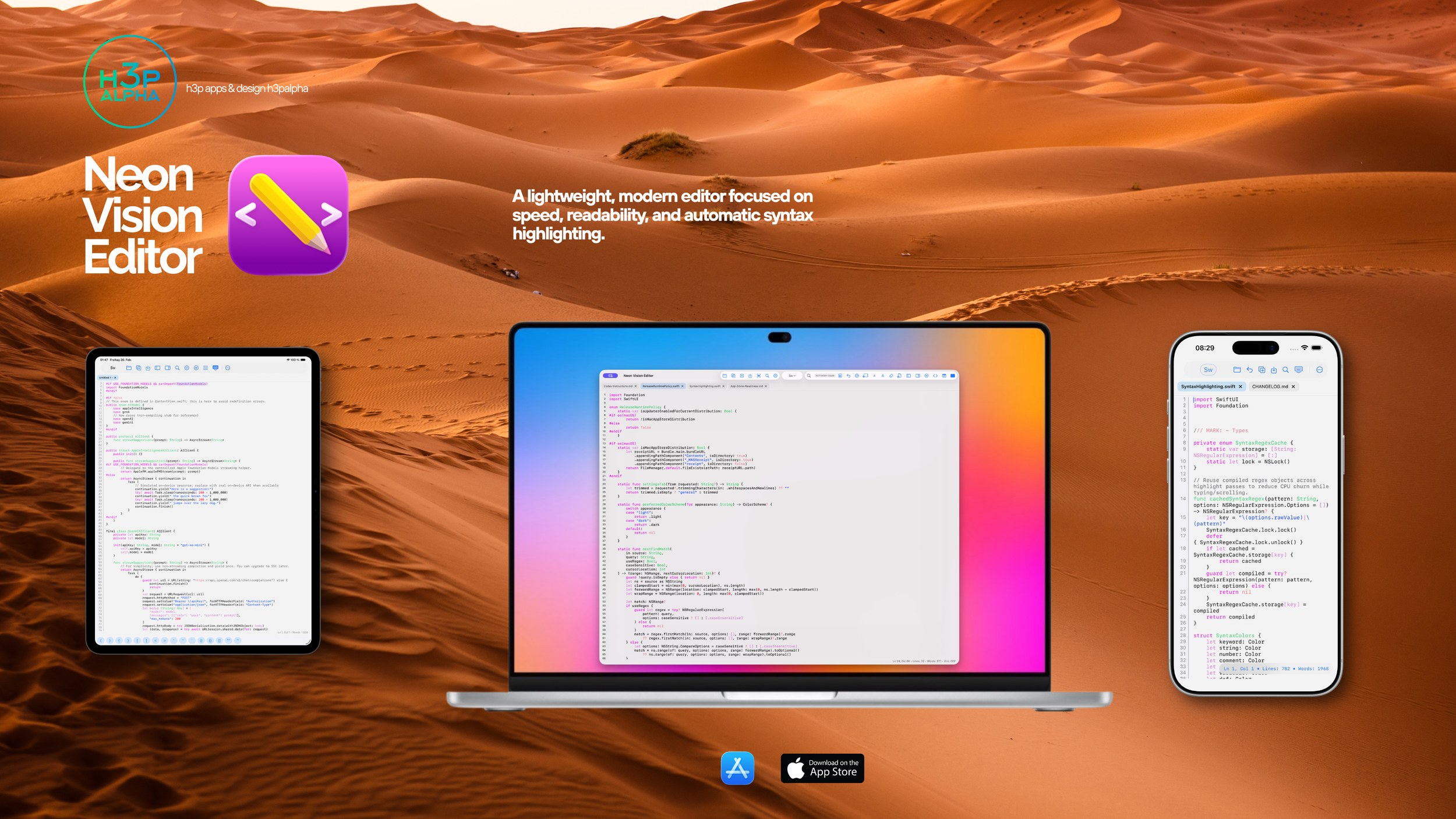
A lightweight, modern editor focused on speed, readability, and automatic syntax highlighting.
We are living in the era of “everything is a browser.” Even the simplest text editors often ship with an entire Chromium instance inside, eating up 500MB of RAM just to blink a cursor.
I wanted to go back to basics. I wanted a tool that respects your hardware.
Today, I’m releasing the first public version of Neon Vision Editor.
What it is
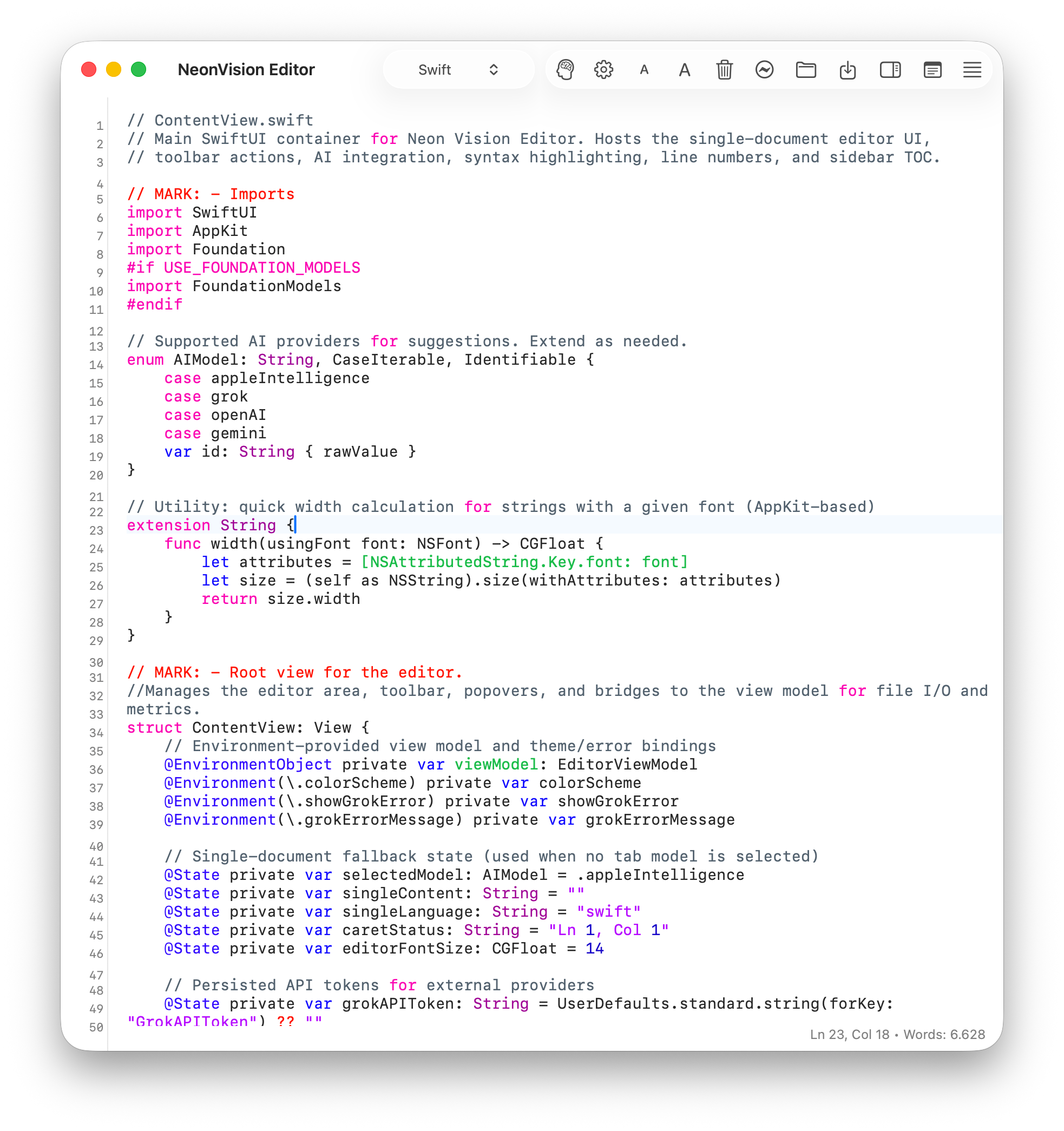
Neon Vision Editor is a lightweight, native text editor built purely with Swift and AppKit. It is not an Electron app.
It does not phone home with telemetry. It is designed to do one thing: open files instantly and let you edit them without friction.
Why I built it
I spend most of my day in heavy IDEs like Xcode or VS Code. They are great for project management, but terrible for quick edits.
When I just need to tweak a config file, write a script, or take notes, waiting for a “web app in a box” to load feels sluggish.
I built Neon Vision Editor to be the “notepad” I always wanted on macOS:
Zero Bloat: The app is ~11MB, not 300MB.
Instant Startup: It launches before your finger leaves the trackpad.
Native Feel: It uses standard macOS UI paradigms, so it behaves exactly how you expect a Mac app to behave.
Current Status: Release
This is currently a v0.x release. It supports basic syntax highlighting and core editing features. It is stable enough for my daily use, but I am still actively adding features.
Try it out
You can grab the latest build from the GitHub Releases page.
If you are tired of waiting for your text editor to load, give it a spin. I’d love to hear your feedback on the repo or via Github.
GitHub
https://github.com/h3pdesign/Neon-Vision-Editor
TestFlight (Beta)
https://testflight.apple.com/join/YWB2fGAP
App Store
https://apps.apple.com/de/app/neon-vision-editor/id6758950965
For the curious: The editor engine is built on standard NSTextView components but optimized for handling large files efficiently.
I’m deliberately avoiding cross-platform frameworks to ensure the app remains performant on Apple Silicon. Code contributions are welcome!